
Post
Turn an Article Into a Presentation
A long post with good photographs gets read two ways. Some people read it at a desk from top to bottom. Others flick through it on a phone, mostly for the pictures. Story mode serves both from the same Markdown. Beside the text, the photo stage shows the photograph for the paragraph being read. The Presentation button turns the post into fullscreen slides, with a title card, a header and a footer, which you swipe through like a phone story.
This post builds one from scratch. Every screenshot comes from the demo post below, a four-photo hiking diary, built with nothing but the settings shown here. The full reference is the Story mode guide.
Turn it on
1story: true
One line in .ssg.yaml turns it on for every post with default settings. Any
photo the post has becomes a slide: a <figure>, or a paragraph that holds
only an image, which is how  on a line of its own
renders. The nearest ## heading names the slide. Nothing changes in the
Markdown itself.
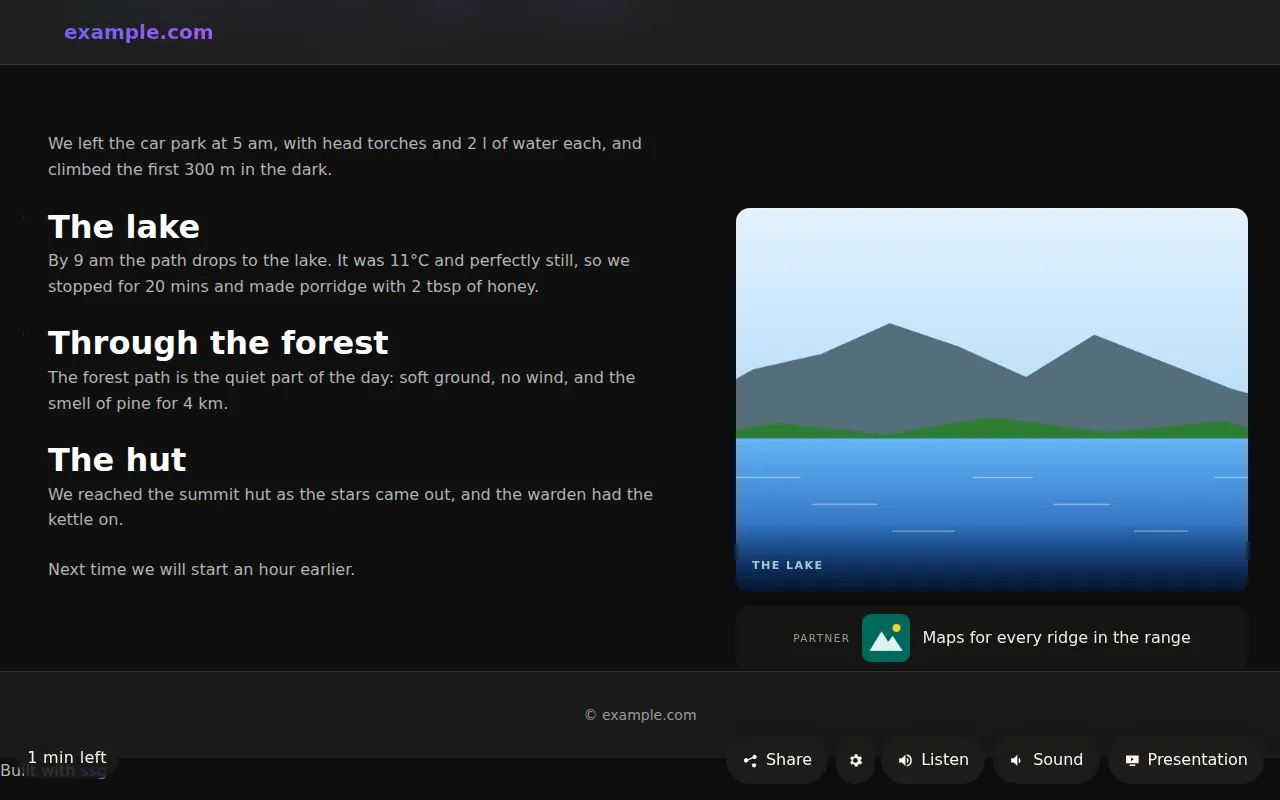
On a wide screen, the text column moves left and the stage takes the right. As you scroll, the stage changes to the photograph for what you are reading. The bar at the bottom left shows the time left to read. On a phone, the stage becomes a thumbnail in the corner.
Only some posts
1story:
2  sections: [posts/recipes]
sections limits story mode to posts, pages, or a content directory.
story: false in a post's front matter leaves that post out.
Settings come from four layers, each laid over the one before:
- the site's
story:; - any
story.rulesentry whosewhenmatches the post (by category, tag, section, or a phrase it contains); - a
<name>.story.yamlfile next to the post; - the post's own
story:front matter.
So a site can set a slideshow interval for every recipe and a single post can still add a slide of its own:
1story:
2  rules:
3    - when: { category: recipes }
4      set: { slideshow: { interval: 6s } }
Older posts: every photo counts
Posts imported from WordPress, or written before you thought about slides,
often have their photos inline: inside a paragraph of text, or as a bare
<img>. By default those are skipped. figures: all takes them too (1.9.6):
1story:
2  figures: all
The caption comes from the <em> right after the photo, or from its alt
text. The Presentation button appears only on a post with at least one slide.
If a post shows none, this is the setting to check first.
The presentation
1story:
2  theme: { accent: "#00695c" }
3  slideshow:
4    title: { image: auto, byline: auto }
5    header: { logo: /media/logo.png, text: Ridge Notes, link: / }
6    footer:
7      label: Partner
8      items:
9        - { link: /maps/, text: "Maps for every ridge in the range", image: /media/logo.png }
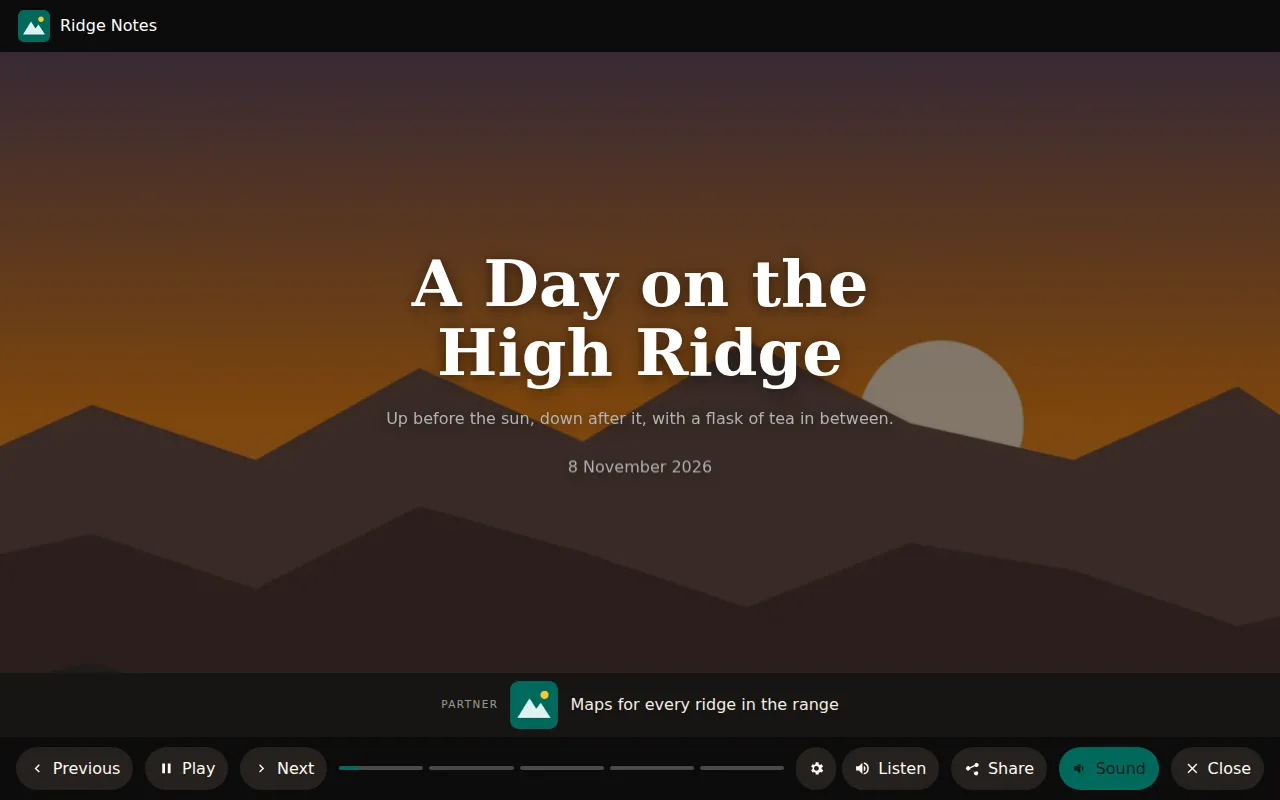
title.image: auto takes the post's og:image for the title card.
byline: auto takes the date from the theme's meta line. On a staging host
the title card loads the image from that host, not the production one, so
previews look right before the DNS move.
The header carries your logo. The footer is a strip for promotions or an ad.
With several items, they rotate, and each one keeps the label that ad rules
ask for. Readers move with the arrow keys or the buttons, tap the left or right
side, hold to pause, or swipe down to close. A #story=3 link opens the
presentation at the third slide.
theme sets the colours. accent is your brand colour. ssg derives a darker
version for text on light paper and a lighter one for text over photographs,
so a dark brand colour stays readable in both places. That second one,
accent_on_dark, arrives in 1.9.7.
Widgets
1story:
2  widgets:
3    - { at: "text:porridge", type: stat, stat: "11°C", title: "Lake temperature" }
4    - { at: "text:forest path", type: card, title: "Tip", text: "Fill your bottles at the lake." }
A widget appears while the passage it is attached to is read. at is a CSS
selector or text: followed by words from the paragraph. The types are
card, stat, quote and recipe. The recipe widget reads the post's
Recipe schema: it ticks off ingredients and counts steps.
The narrator and music
Listen reads the post in the browser's own voice. It highlights the paragraph being read, and in the presentation it shows subtitles and moves to the next slide when the paragraph ends. Text written for the eye reads badly aloud: "250g" should be "250 grams", and in Polish "2 łyżeczki" needs the word for two that agrees with it. ssg has pronunciation rules for Polish and British English, and you add your own:
1story:
2  narrator:
3    pronounce:
4      "{num} km": "{num} kilometres"
The pronunciation section covers number words, plural forms and switching a built-in rule off.
1story:
2  music_volume: 0.3
3  audio:
4    - { from: "12-01", to: "01-06", playlist: [/music/carol-1.mp3, /music/carol-2.mp3] }
5    - { src: /music/ambient.mp3, loop: true }
Music is chosen by date: the first entry whose window holds today plays. That is how a site plays carols in December and something quieter the rest of the year. While the narrator speaks, the music drops to a third of its level. Browsers start sound only after a click, so music starts with the presentation or the Sound button. ssg ships no music. Use tracks you hold the rights to.
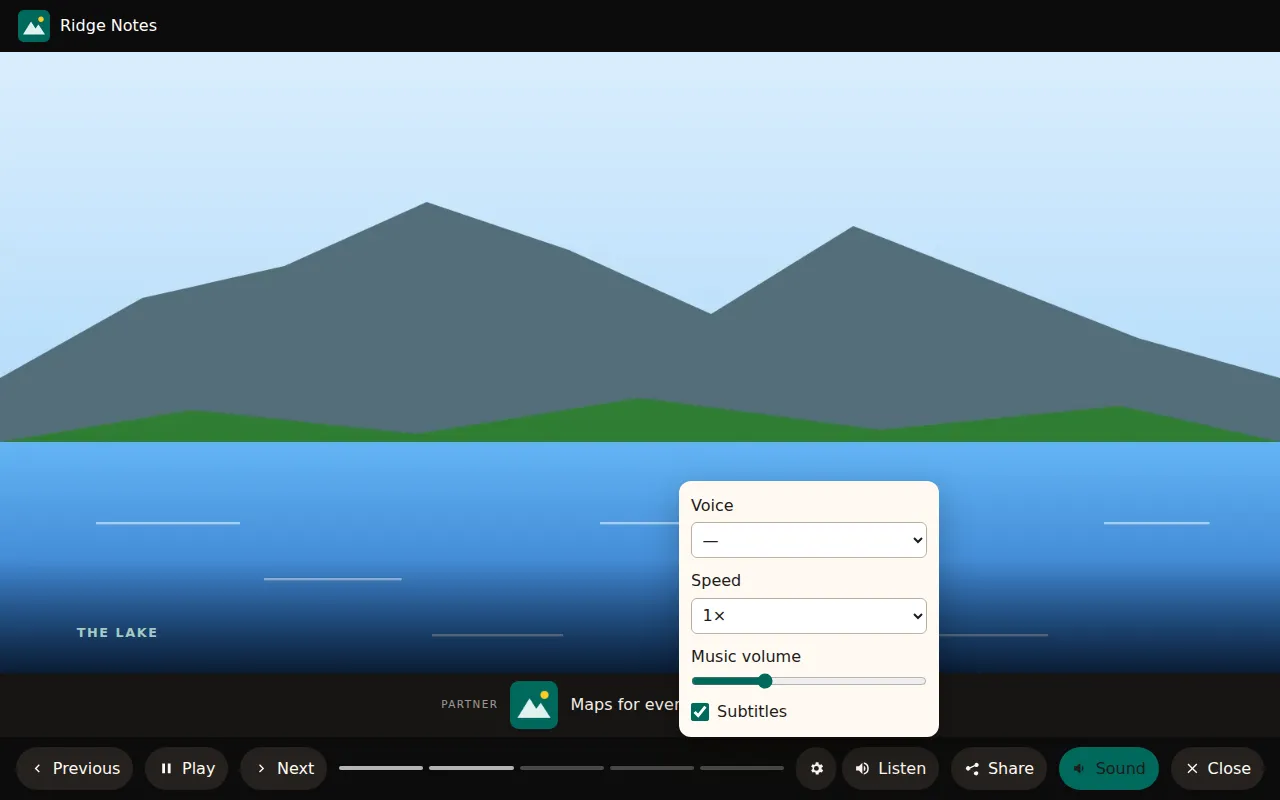
The gear button opens the reader's own settings: voice, speed, subtitles and
the music's volume. music_volume is your default, and a reader who moves the
slider keeps their level on that browser.
On a phone
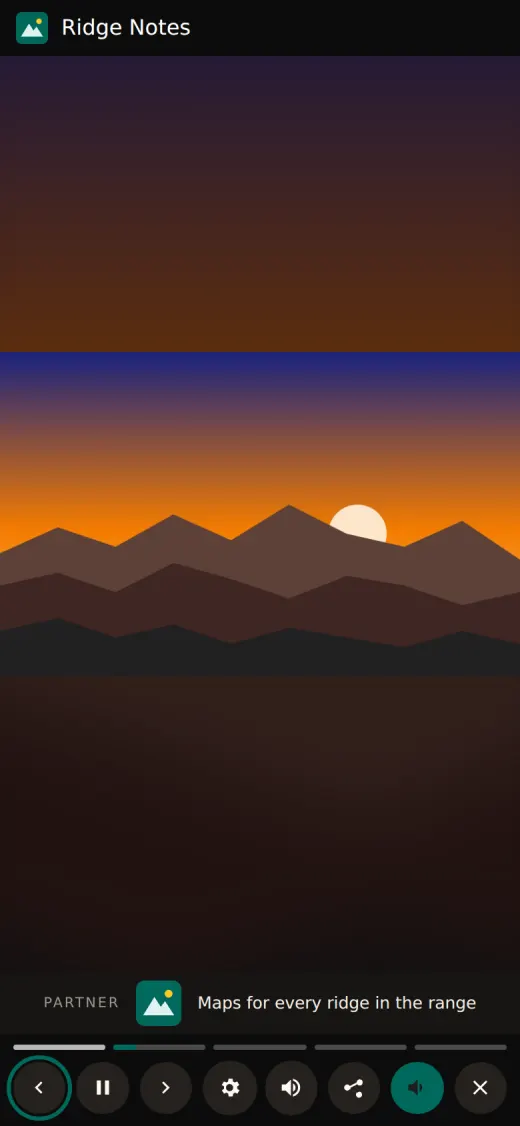
Below 700px the buttons show only their icons and keep their names for screen readers. The whole presentation sits in one named region, so a screen reader user meets it as one thing and can skip past it.
And the Web Story
If web_stories: is on too, the same post also gets an AMP Web Story at
/web-stories/<slug>/, which Google can show in Discover. It uses the same
slides. AMP allows no scripts, so it takes from your story: settings what
CSS alone can show: the logo, widgets that fly in, the footer strip and the
music. With web_stories.narration and a tts: service, the narrator is
recorded at build time instead. The article's Share menu links to the Web
Story. See Web Stories.
What it costs
Story mode adds one stylesheet and a few small scripts. ssg writes them once
to /assets/ssg-story/, and each page links them with a content hash. Nothing
loads from a third party, and pages without story mode get none of it. The
guide lists every key, the events it sends to dataLayer for
analytics, and what it does when a browser has no voice installed.